The main steps of your business process are captured in the automation graph. A graph consists of nodes and edges. Nodes are predefined actions that you instruct our agent to take such as clicking, typing or making a decision. You can add nodes by right-clicking on the canvas and connect them with each other by drawing an edge between them.
The workflow editor provides various node types to automate business processes through a graph-based interface.
Action Nodes handle direct interactions like Navigate, Click or ExtractDatamodel (structured data extraction).
Control Flow Nodes include BoolCondition for branching logic and Loop for repeated operations over arrays or ranges.
Data Nodes such as Transform clean, derive, or reshape values between nodes without touching the browser.
Specialized Nodes cover advanced scenarios like Tfa (two-factor authentication), FileUpload/FileDownload (file management) or UserInteraction (human-in-the-loop).
STATIC (UI: “Static”): Uses explicit XPATH selectors for deterministic targeting
LLM_VISION (UI: “AI (Screenshot)”): Uses AI to do an action or make a decision based off a screenshot. If the target element is not visible, the model may return a scroll action—this is retried up to 15 times before failing
LLM_DOM (UI: “AI (HTML)”): Leverages AI to extract elements in the DOM structure (for ExtractDatamodel only)
COORDINATES (UI: “Coordinates”): Uses specific x,y screen coordinates to perform an action (for Click and InputText)
PROMPT (UI: “AI (Context)”): Uses AI and the workflow run context to make a decision or extract data (for ExtractDatamodel and BoolCondition)
For Click, Input Text, and Input Select actions using STATIC execution, the XPath selector must match exactly one element on the page. The run will fail if the selector matches zero elements (element not found) or more than one element (ambiguous selector).
A good XPath uniquely identifies an element by prioritizing semantic attributes like @id, @name, or @data-* values that are human-readable and stable, or by matching visible text using normalize-space() for reliability.
It should be robust against minor DOM changes by avoiding non-semantic class names, scrambled IDs, and unnecessary positional indices, instead anchoring to meaningful nearby elements like labels or headings when structural context is needed.
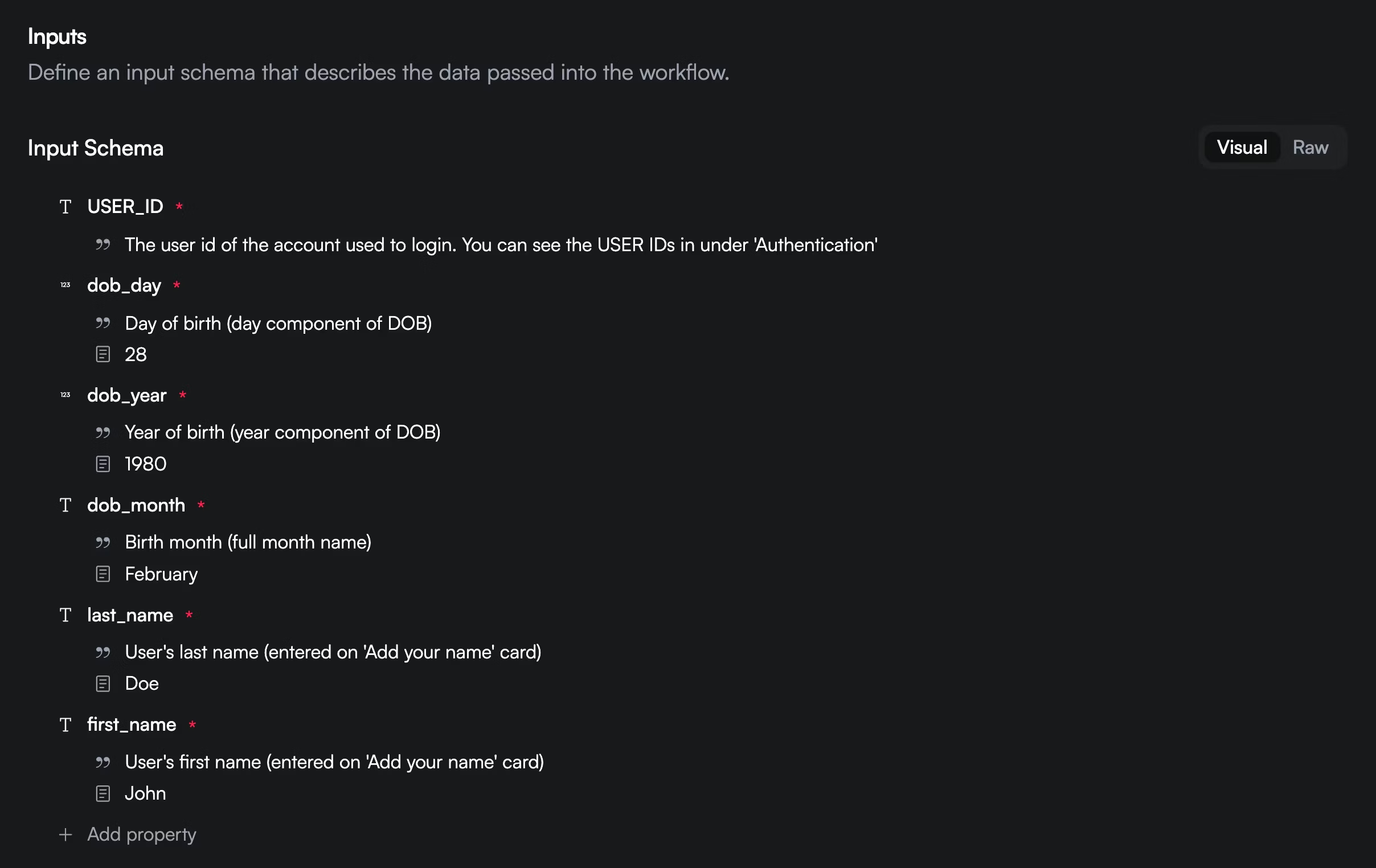
All workflows are parameterized with inputs. You can access these variables with {{context.inputs.my_variable}}. All the data that is extracted during runtime is returned in the execution.success webhook payload.
If you only want a subset of this returned, you can specify an optional output schema.